
Request a Custom Profile
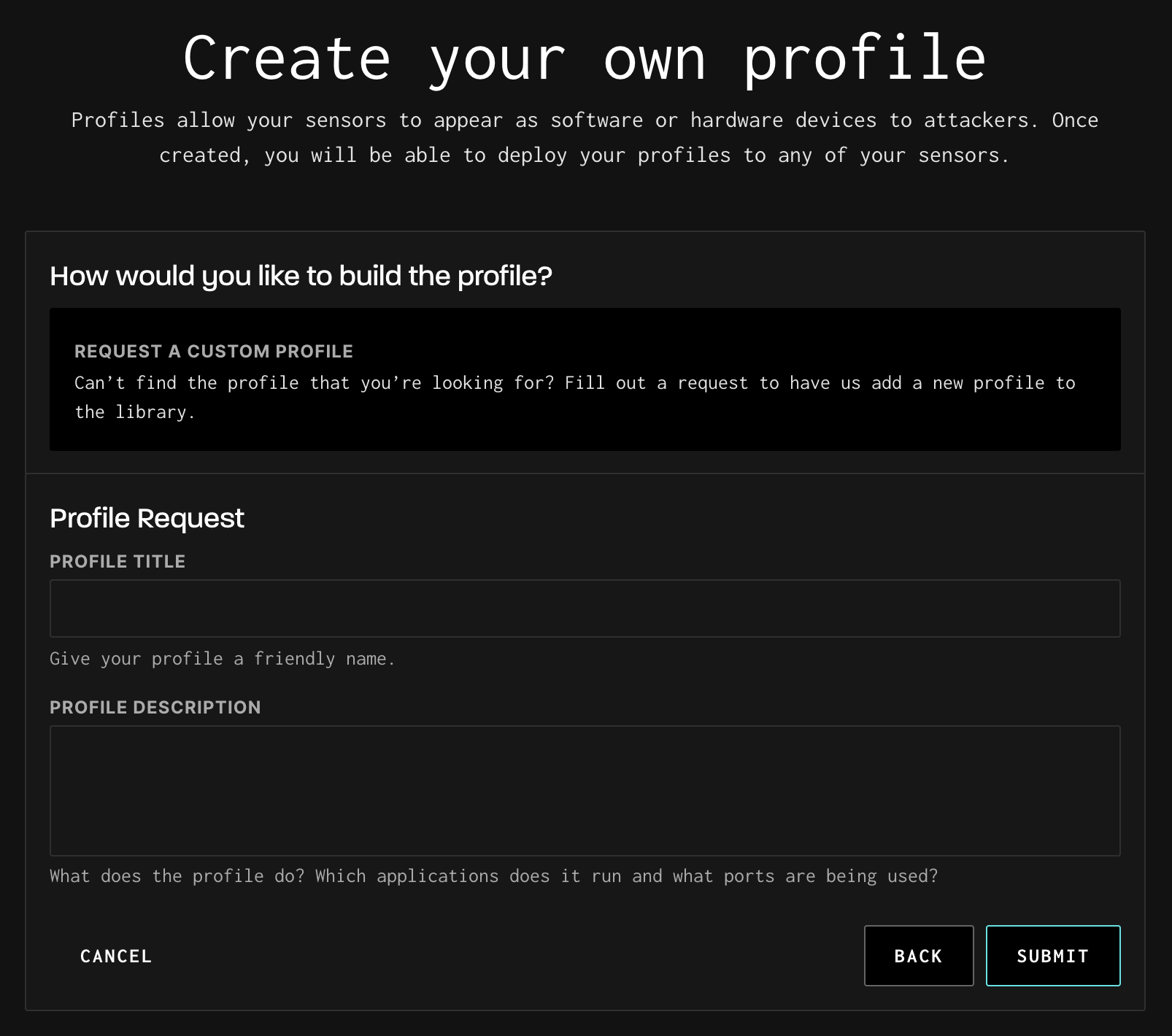
To request a custom profile, follow the below steps:
- From the Profile Library, click Create Profile.
- Select Request a Custom Profile and click Continue.
- Fill in the Profile Title — give your profile a descriptive name.
- Fill in the Profile Description — describe what the profile should do, which applications it should run, and what ports should be used.
- Click Submit. The GreyNoise team will review your request and, if feasible, build the profile and add it to the library. Not all requests can be fulfilled, but the team will follow up with you either way.
Tip: Be as specific as possible in your description. Include the exact software versions, ports, protocols, and any specific behaviors you need emulated. The more detail you provide, the faster and more accurate the custom profile will be.
Updated 6 months ago
Did this page help you?